House parties and family nights
Put it on the TV you already have. Grandparents scan the same code as the kids, and everyone can see whose turn it is.
A karaoke stage for living rooms, birthdays, bar nights, office parties and reunions.
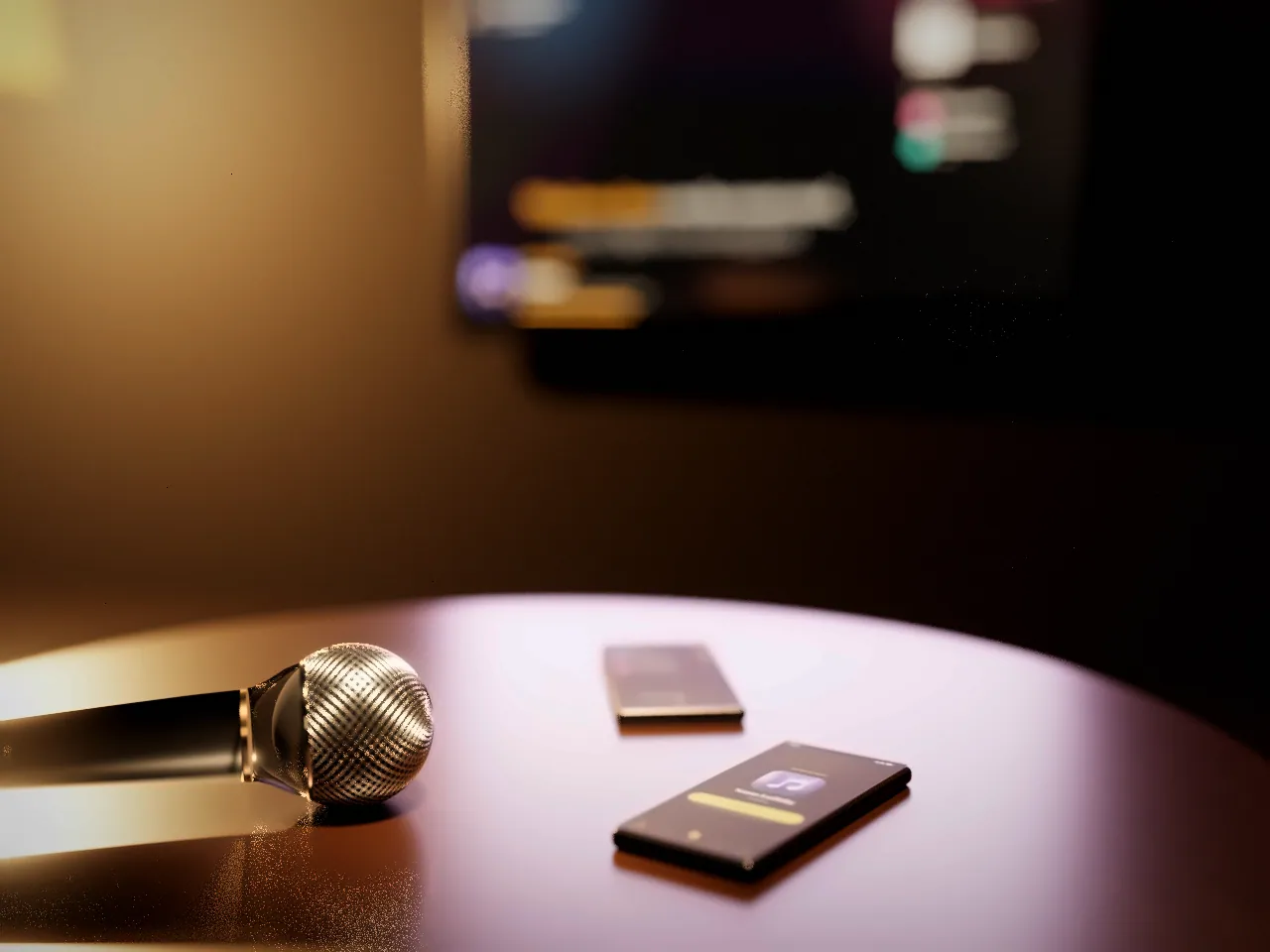
Karaoke Night turns any TV into a karaoke stage. Guests join from their phones, line up their songs, and the screen calls each singer up in turn.
The TV is the stage. Every phone is a remote. And the queue remembers whose turn it is.
How a night works
Open Karaoke Night on a TV, a laptop or a projector and start a room. The stage shows a QR code and a six-character room code, and stays awake while the night runs.
Guests point their phone camera at the code and type a name. There is no app to download and no account to make.
Search from your phone and tap to add. The queue is shared, so everyone can see their place and roughly how long until their turn.
When your turn is close, the remote tells you. Tap I’m ready and the stage hands the mic over.
Lyrics fill the screen while the room sends reactions and sound pads from their seats. The host can switch either off.
For the host
Pause, skip, reorder or remove songs, lock the queue at last call, and decide who gets in. The host’s controls live on the stage screen, so nobody has to chase down a remote mid-song.
Try the panel. It is a demo and does not touch a real room.
Guests type six digits to get in.
Joining checks that the phone is close to the stage.
For everyone else
Guests send reactions and sound pads from their phones, and the stage plays them for the whole room. Go on, give Leah some applause.
Reactions
Sounds on stage
Made in your browser. Hosts can turn reactions and sounds off for their room.
Where it works
Put it on the TV you already have. Grandparents scan the same code as the kids, and everyone can see whose turn it is.
A queue the whole room can see, a stage that stays readable from the back, and controls that keep a busy night moving.
Karaoke Night for venuesMove the birthday person to the top of the queue from the stage. Nobody needs to install anything first.
Plans
Every plan has the shared stage, the phone remote and the live queue. Plans differ in how many guests can join at once and how much your Stage keeps between nights.
Start a shared karaoke night and keep your personal library.
Admits2guests
at once
Bring a bigger group together for a special occasion.
Admits6guests
at once
Pricing announced soon
Make karaoke part of your regular get-togethers.
Admits12guests
at once
Pricing announced soon
Run karaoke nights for a venue or event.
Admits50guests
at once
Pricing announced soon
The questions hosts ask most before they put the stage on screen.
No. Guests scan the QR code on the stage with their phone camera, or type the room code, and the remote opens in the browser.
No. A guest joins with just a name. Signing in is optional and keeps your favorites, song history and your own Stage from one night to the next.
Any screen with a modern browser: a smart TV, a laptop plugged into a TV, a projector or a tablet. The sound plays through whatever that screen is connected to.
Search looks through the Karaoke Night catalog first. If a song is not there, guests can search YouTube for a karaoke version and add it to the queue.
Every request goes into one shared queue with a per-singer limit, and the stage always shows who is singing and who is next. The host can reorder or remove songs.
Yes. The host can require a six-digit PIN, limit the room to phones near the stage, and the QR code on the stage refreshes every few minutes so an old photo of it stops working.
You can start a room for free. Paid plans let more guests join at once and keep a longer party history, and their prices will be shown before you can choose one.
Start a room on any screen tonight. It’s free, and your guests only need their phones.